Choose a design
Explore cabins or components in the journal, then use the product code in the app.
Explore here. Order and track in the app.
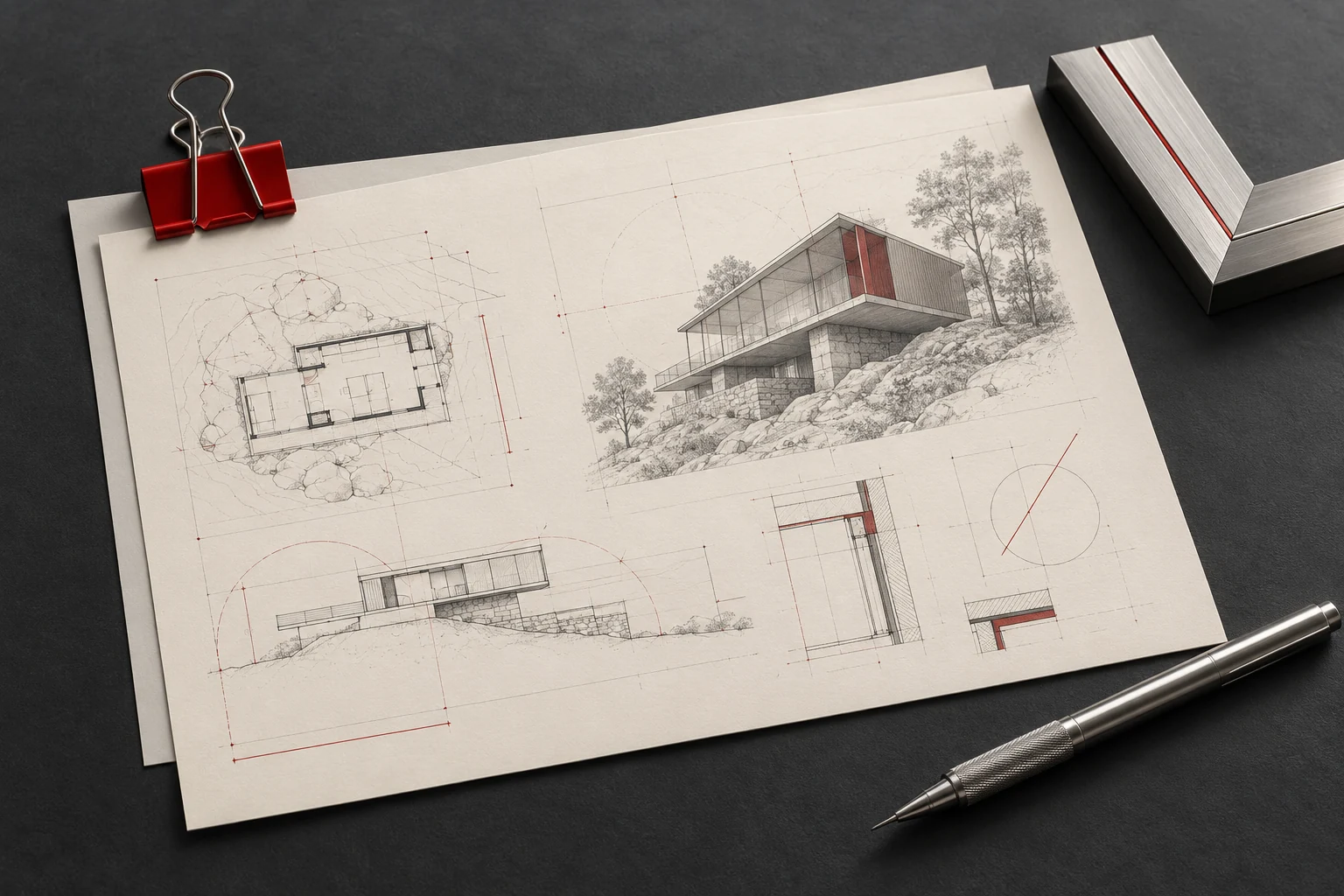
Explore cabins or components in the journal, then use the product code in the app.
The company reviews your project information and the measurements entered in the app.
Review the drawing and proforma invoice in your account before approving them.
Production begins after approval. Follow order updates in the app.
No APK required. Add the web app to your Home Screen.

 Choose · Submit · Track
Open the app link in Safari.
Share → Add to Home Screen
If offered, enable Open as Web App and choose Add.
Open the app link in Chrome.
Menu ⋮ → Install app or Add to Home screen
Confirm the browser’s install or add instructions.
Menu wording varies. On iPhone, web-app notifications require Home Screen installation and your permission; alerts depend on device settings.
Confirm the suspension system and counterweight position with the installer, check each field’s unit and attach relevant photographs. The 3D preview does not replace the technical form or a verified survey.
Measurement preparation checklistOpen the current drawing and proforma invoice. Match the design code, materials and project details, resolve questions with support, then confirm approval.
Document review checklistNo. The website journal is open to browse. Accounts belong in the ordering app.
Shaft and rail measurements are entered in the app’s technical form. Studio dimensions are for preview only.
No. Final selections must be checked against material samples and company approval.
No. The website presents designs. Financial arrangements are handled with the company.
GrandCabin focuses on cabin design, manufacturing and related products. The project installer handles installation.
Select «فعلاً نمیدانم» beside an unknown measurement and continue the order. Deferred items remain red in the project; valid entries turn green. Return to the same project to complete them.
Use the general conversation for general questions and the project conversation for order details. New messages appear automatically without refreshing the page.
Open the customer portal